Writing
Narrative
The manuscript: write scene after scene, with each scene's card alongside.
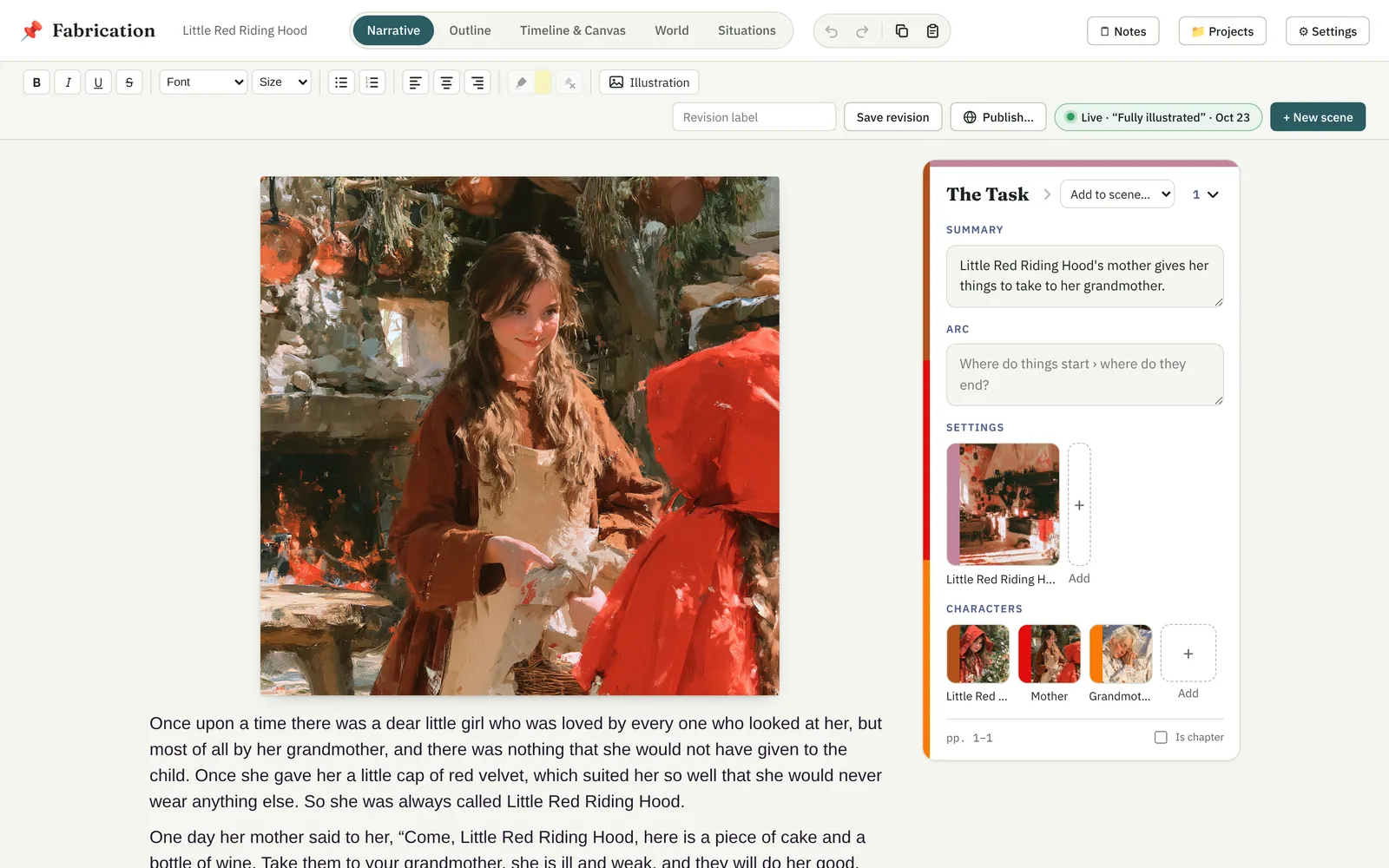
The Narrative is your manuscript, read as one story: each scene's text follows the last, in the order of the Timeline. Beside the text is the card of the scene you're in.
The bar above the text
Everything for the text stays pinned at the top while you scroll:
- Formatting — bold, italic, underline and strikethrough; font and size; bulleted and numbered lists; alignment; highlight.
- Illustration — puts a picture where the cursor is. See Images & illustrations.
- + New scene — a new, empty scene.
Saving a revision is in the Project menu in the top bar — see Projects, files & revisions.
Sections and chapters
+ Heading adds a section (a part of the book, holding the chapters after it) or a chapter before the scene the cursor's in. Click a heading to rename it, switch it between section and chapter, or remove it. Is chapter on a scene's card starts a chapter right before that scene. Headings are their own: move a scene, and the chapter stays where it was. You can also add and move them in the Outline.
Scenes from your text
Highlight a passage and choose + New scene to make a scene from it. You'll be offered:
- Make it a new scene — the highlighted text becomes a scene of its own; the text before and after it stays where it is, divided off into scenes of their own.
- New scene after it — an empty scene starts right after the highlighted text.
The scene card
The card beside the text is the scene's: its title, summary and arc (where things start, and where they end); its settings and characters; which pages it's on; and whether it starts a chapter. The same card appears in every view.
A scene's characters are whoever its text names — by name or alias — plus anyone you add by hand. If the text mentions someone who isn't really there (one character thinking about another), take them out, and they'll stay out. Names Fabrication finds that aren't in your World yet are offered as suggestions to add.
Scenes that aren't on the Timeline yet are listed separately: connect them on the Timeline to bring them into the manuscript.